
Standard and Express
Offer customers a choice of rates by adding Table rate to a zone more than once.
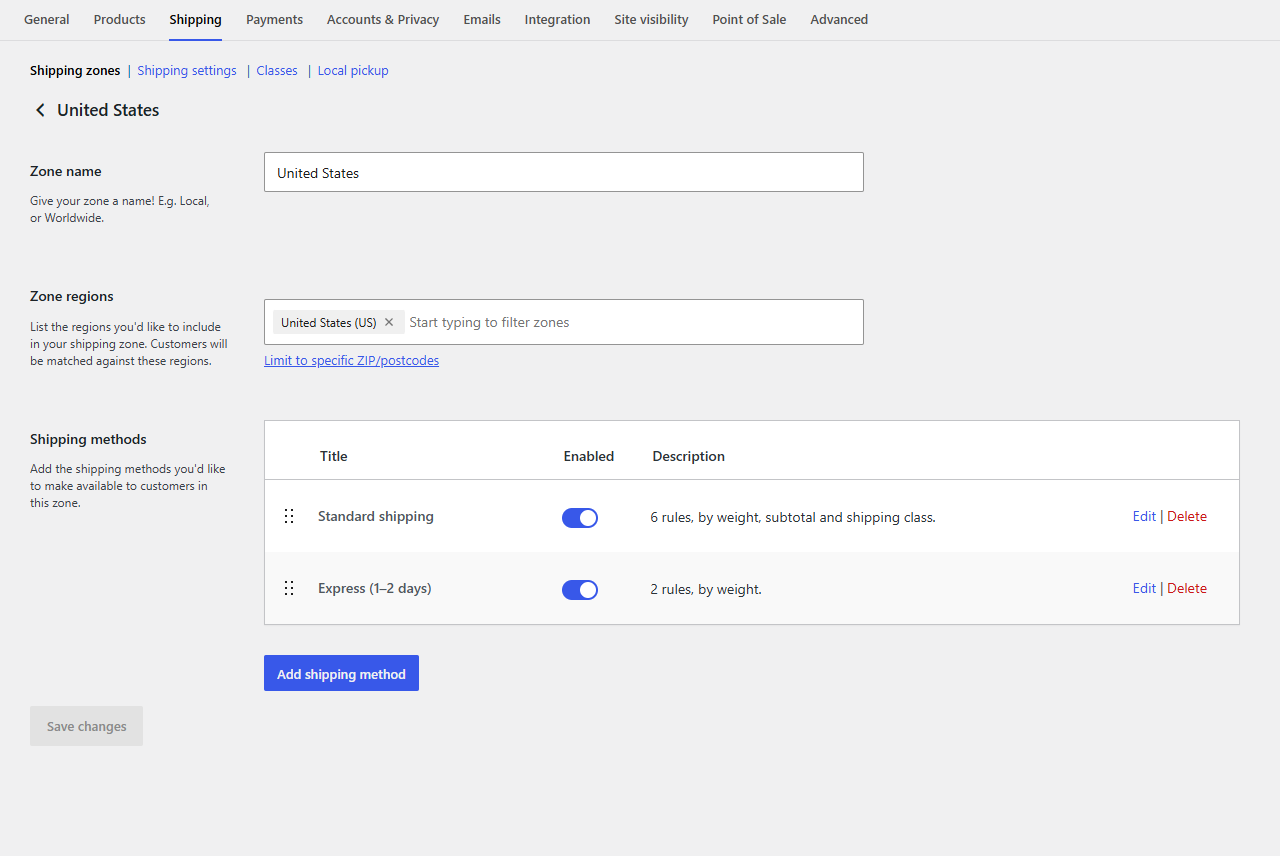
Each Table rate method gives one rate. To let customers choose, for example between Standard and Express, add Table rate to the zone twice:
- In WooCommerce → Settings → Shipping, open the zone and click Add shipping method → Table rate again.
- Edit the first and name it "Standard shipping", with its rules.
- Edit the second and name it "Express (1–2 days)", with its own rules.
At checkout, customers see both, each with the price from its own table, and choose:
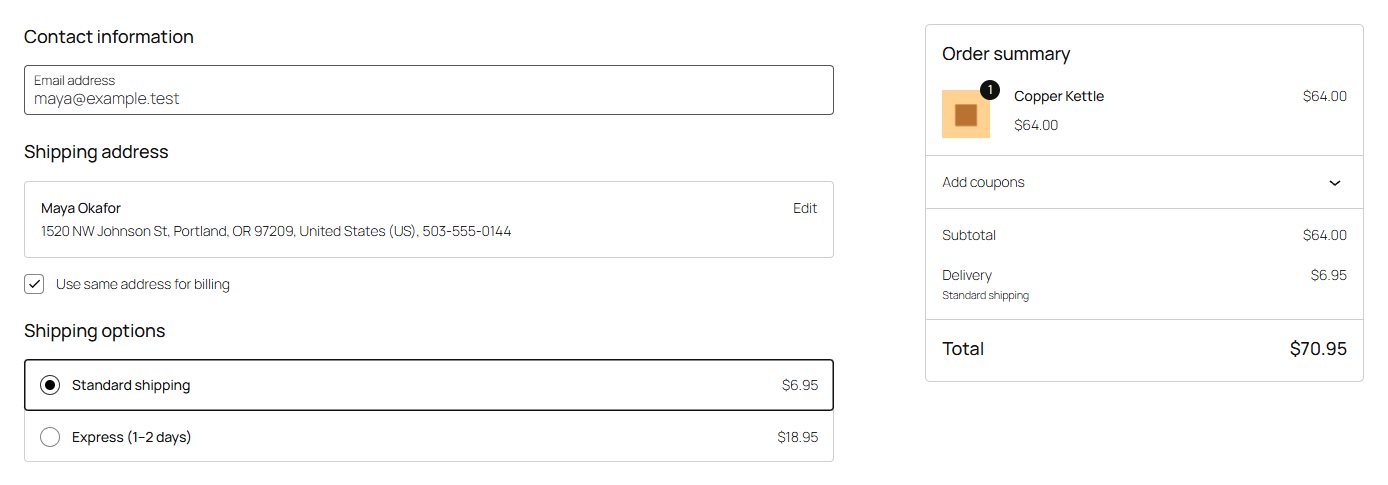
Drag the methods in the zone's list to set their order at checkout. WooCommerce selects the first one by default.
Each method is separate
Each has its own name, tax status, handling fee, minimum and maximum, and table. A rule in one never affects the other. For example:
Standard shipping
| When | From | To | Cost | Per lb | Label | No shipping |
|---|---|---|---|---|---|---|
| Weight | 70 | ✓ | ||||
| Subtotal | 150 | 0 | Free shipping | |||
| Weight | 5 | 6.95 | ||||
| Weight | 5 | 70 | 9.95 | 0.50 |
Express (1–2 days), handling fee 2, maximum 45
| When | From | Cost | Per item | No shipping |
|---|---|---|---|---|
| Weight | 30 | ✓ | ||
| Always | 14.95 | 2 |
Over 30 lbs, Express isn't offered and customers get Standard only.
Tip
Rateline Pro can also give several rates from one table, by naming some rules "Express", so both share one set of conditions and one place to edit.