
Rateline

Table rate shipping for WooCommerce: price shipping from your own table of rules, by weight, number of items or subtotal.

v1.0.0Updated Oct 14, 2026
Pro v1.2.1What's new
  • WooCommerce 8.2 – 11.1
  • WordPress 6.5 – 7.1
  • PHP 7.4+

The free version is waiting for review at WordPress.org

WordPress.org checks every new plugin before listing it, which usually takes a few weeks. Follow Rateline and we’ll email you the day it’s available.

Rateline Pro

How many sites?
  • Updates in your WordPress dashboard
  • Support from the team that builds it
Secure checkout by Lemon SqueezyCompare plans

Pro is an add-on to the free plugin.

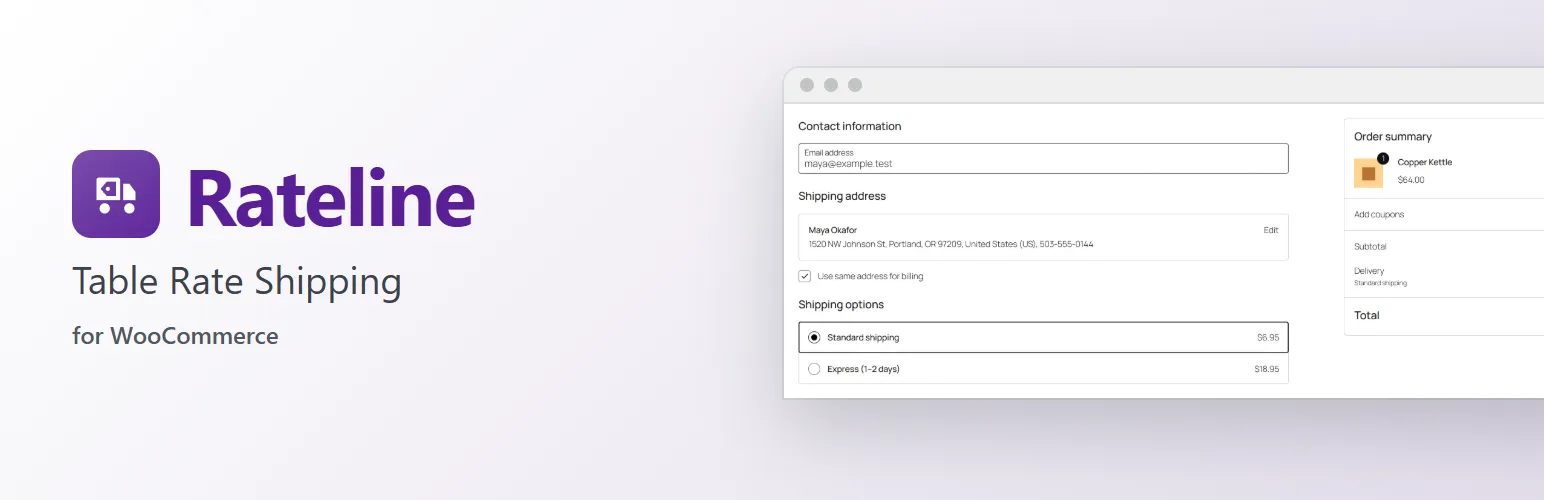
Rateline banner

Flat rate isn't enough once you ship things of different weights and prices. Rateline adds a "Table rate" shipping method to your WooCommerce shipping zones. You describe your prices as a table of rules, and the first rule that matches the order sets the rate.

Rules that fit how you ship

  • A rule applies to a range of weight, number of items or subtotal (or always), and to a shipping class or any. "From 5 to 20 lbs", "over $150", "up to 3 items", "any order with a Bulky item".
  • Its cost is a base amount plus any of: per item, per weight unit, and a percentage of the subtotal. "$9.95 plus $0.50 per lb".
  • A rule can make shipping free ("Free shipping over $150"), show its own label ("Freight delivery"), or switch the method off ("We don't ship orders over 70 lbs").
  • Rules are checked from the top, so specific rules go first. Drag rows to reorder them.

Around the rules

  • A handling fee, and a minimum and maximum cost.
  • Coupons that allow free shipping can make the rate free.
  • Taxable or not, like WooCommerce's own methods.
  • Add Table rate to a zone more than once, each with its own table: e.g. Standard and Express, side by side at checkout.
  • The rules are edited on a full settings page with room for the table, opened from the zone's "Edit" link.
  • Works with the Cart and Checkout blocks and the classic checkout, and with High-Performance Order Storage.

For developers

Filters let a plugin add rule fields, conditions, table columns and rates, and change the cart lines the rules see; rateline_loaded fires once Rateline has loaded. See the developer notes at extendiment.com/plugins/rateline.

Rateline Pro

Rateline prices the whole order with one rule. The separate Rateline Pro add-on adds pricing per shipping class (each class with its own rule, added up) or per item, conditions on the destination postcode, volume and the longest side of an item, several rates (e.g. Standard and Express) from one table, and CSV export and import of the rules. Everything described above works without it. See extendiment.com/plugins/rateline.

Free vs Pro

Free and Pro compared
FeatureFree$0Rateline Profrom $79/year
Rules that fit how you shipIncludedIncluded
Around the rulesIncludedIncluded
For developersIncludedIncluded
Per shipping class or per itemNot includedIncluded
More conditionsNot includedIncluded
Several rates from one tableNot includedIncluded
CSV export and importNot includedIncluded

Pricing

Free$0
  • The plugin from WordPress.org
  • Support on the WordPress.org forum

Available once WordPress.org lists it

Pro · 1 site$79/year
  • For a single site
  • Updates in your WordPress dashboard
  • Support from the team that builds it
Buy Pro for 1 site
Most popularPro · 5 sites$159/year
  • $31.80 per site · save 60%
  • Updates in your WordPress dashboard
  • Support from the team that builds it
Buy Pro for 5 sites
Pro · 25 sites$299/year
  • $11.96 per site · save 85%
  • Updates in your WordPress dashboard
  • Support from the team that builds it
Buy Pro for 25 sites
Or get all 11 paid plugins with All Access, from $199/year

Pro is an add-on to the free plugin. Renews yearly. Staging and local sites don’t count (up to three per key).

Secure checkout, tax and invoices by Lemon Squeezy

Screenshots

  • Your own table of rules: by weight, number of items or subtotal, for a shipping class or any. The first rule that mat...1 / 4
  • Add Table rate to any shipping zone, as many times as you need: e.g. Standard and Express.2 / 4
  • Customers pick a rate at checkout, each with its price: here in the Checkout block (the Cart block and the classic ch...3 / 4
  • A rule can make shipping free over an amount and call it "Free shipping": here for an order over $150.4 / 4

Freev1.0.0

View all
  1. Version 1.0.0

    Latest
    • changedFirst release.

Prov1.2.1

View all
  1. Version 1.2.1

    Latest
    • fixedOn a multisite network, deleting the plugin now removes a site's data only if that site chose to; deactivating it on one site no longer decides for the others.
  2. Version 1.2.0

    • addedImportant notices from Extendiment, such as a security update, show in the dashboard.
    • changedStaging and local sites no longer use up one of your license's sites.
  3. Version 1.1.1

    • changedLicense keys are now checked through extendiment.com. Existing activations keep working.

You might also like