
Several rates from one table
Name some rules "Express" and one Table rate method offers Standard and Express at checkout, from the same table.
Note
This is part of Rateline Pro.
Without Rateline Pro, each Table rate method gives one rate, and Standard and Express need two methods. Rateline Pro adds a Rate column to the rules table, so one table can give several rates.
How it works
- Rules with an empty Rate belong to the method's own rate, shown with the method's Name.
- Rules with a name, such as "Express", make a second rate with that name.
- Each rate is worked out on its own rules: the first of its rules that matches applies. Rules of other rates are ignored.
| Rate | When | From | To | Shipping class | Cost | Per item | No shipping |
|---|---|---|---|---|---|---|---|
| Weight | 5 | 6.95 | |||||
| Weight | 5 | 70 | 9.95 | ||||
| Express | Always | Bulky | ✓ | ||||
| Express | Weight | 30 | 14.95 | 2 |
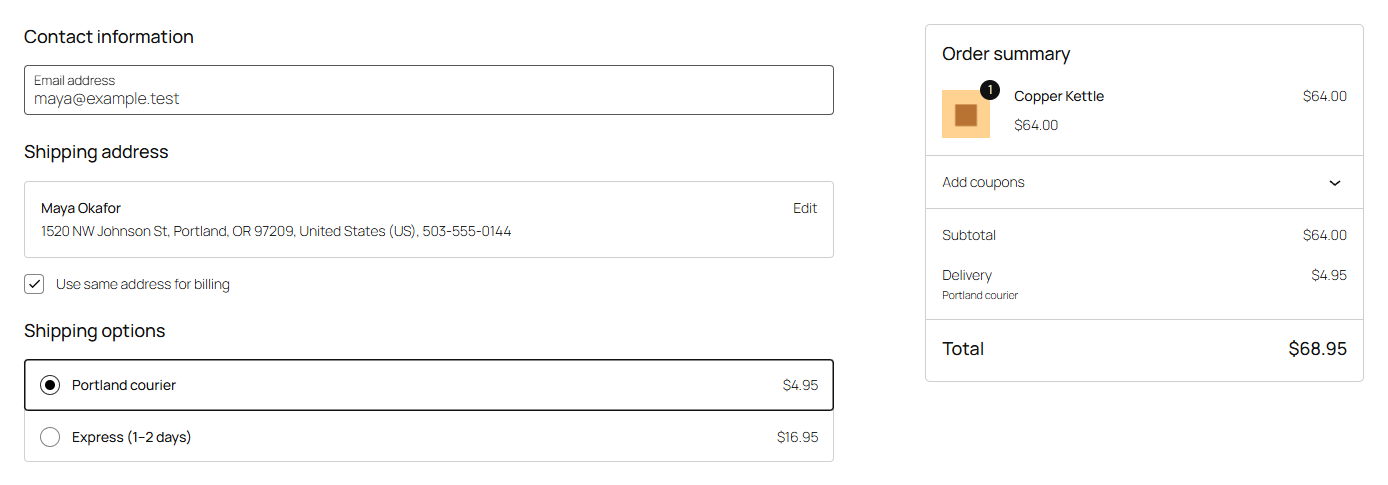
Customers see "Standard shipping" (the method's name) and "Express" side by side. With a bulky item, or over 30 lbs, Express isn't offered and they get Standard only.
What the rates share
- The method's Calculate setting, handling fee, minimum and maximum cost, free shipping coupons and tax status apply to each rate.
- A rule's Label still replaces the rate's name, e.g. "Free shipping" on a free Standard rule.
To give Express its own handling fee or maximum, use a second Table rate method instead.
Naming
The method's own rate always comes first at checkout, then the others in the order they first appear in the table. Rules for the same rate don't have to be next to each other, but keeping them together makes the table easier to read. Names are matched exactly: "Express" and "express" are two rates.
The rate's ID at checkout is the method's plus the name (rateline:5:express), so plugins that react to a chosen rate can tell them apart.
Note
Without Rateline Pro, Rateline offers only the table's first rate (the unnamed rules) and skips the rest, and the settings page lists the skipped rates.