
Badge or plain style
Show the stock line as coloured text, or as a soft rounded badge.
The Style setting at the top of the Stock messages screen applies to every state.
Badge
The message sits in a rounded pill with a light tint of the state's colour behind it, in slightly smaller, bold text. It stands out without shouting, and it looks the same in most themes because Stockline draws the shape itself.
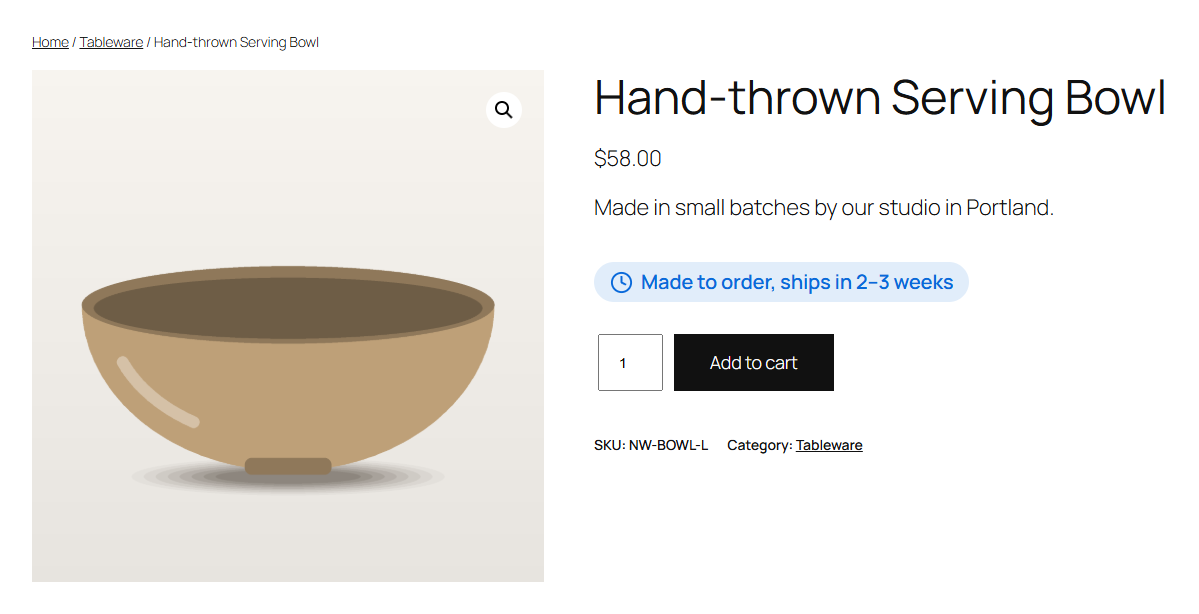
A state with no colour (the colour field left empty) gets a light grey badge, with the theme's text colour.
Plain text
The message is shown as ordinary text in the state's colour, with its icon. Your theme's font, size and weight are kept, so it blends in with the rest of the product summary.
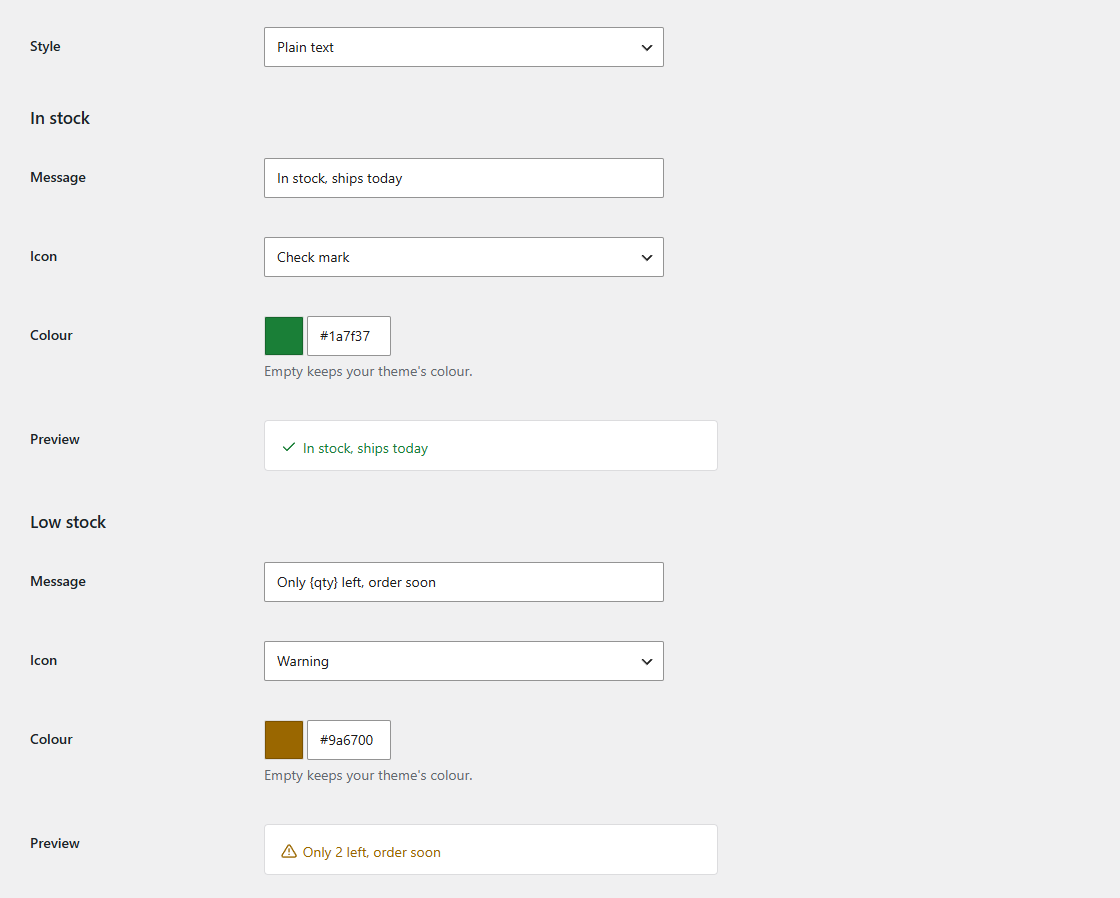
Choosing
- Pick Badge when the stock line should catch the eye, for example to make low stock or backorder times noticeable.
- Pick Plain text for a quieter page, or when your theme already styles the stock line the way you like and you only want to change the words.
Switch between them on the settings screen: the previews redraw straight away, so you can compare before saving.