
Swatchline

Colour, image and label swatches instead of dropdowns for variable products, with sold-out combinations crossed out. Classic and block themes.

Fewer than 10 active installs
v1.0.0Updated Oct 23, 2026
Pro v1.2.2What's new
  • WooCommerce 8.2 – 11.2
  • WordPress 6.5 – 7.1
  • PHP 7.4+

Swatchline Pro

How many sites?
  • Updates in your WordPress dashboard
  • Support from the team that builds it
Secure checkout by Lemon SqueezyCompare plans
Download free

Pro is an add-on to the free plugin.

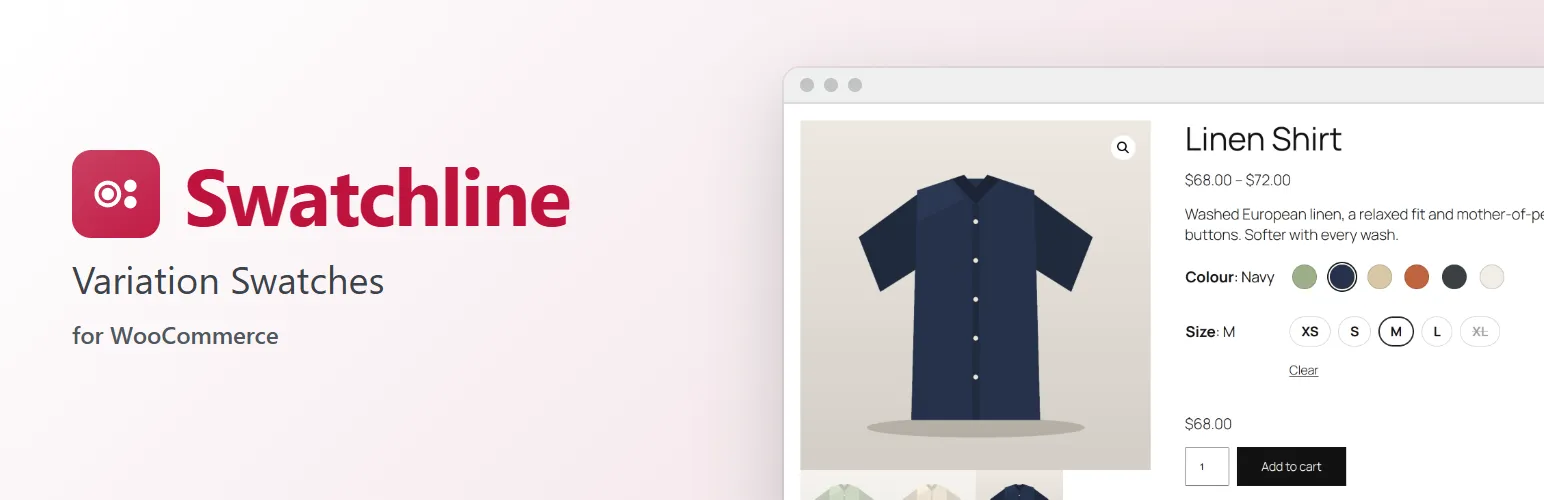
Swatchline banner

Let customers pick a colour by its colour, a finish by its photo and a size by a button. Swatchline turns the attribute dropdowns of your variable products into swatches. No code, and nothing to change on your products.

Set up once, per attribute

  • Choose a swatch type for each global attribute under Products → Attributes: Colour, Image, Label (buttons) or Dropdown (WooCommerce's own, the default).
  • Give each value a colour (WordPress's colour picker) or an image (from the media library) under Configure terms. The term list shows them in a Swatch column.
  • Attributes you type on a single product can show as label swatches too, if you switch that on.

On the product page

  • Swatches replace the dropdowns of the variation form. WooCommerce's dropdowns stay in the form, hidden, so the price, image, stock and add to cart update exactly as they always do, and so does anything else that works with them.
  • Combinations that can't be bought are crossed out: out of stock, or no such variation with what the customer already chose. That works for products with any number of variations, also above the number where WooCommerce stops loading them all into the page.
  • The chosen value shows next to the attribute's name ("Colour: Sage"). WooCommerce's Clear link clears the swatches; choosing a chosen swatch again clears it too.
  • Tooltips with the value's name, and a larger preview for image swatches.
  • Accessible: each attribute is a radio group, so the keyboard's arrow keys move between swatches, the focus is clearly visible, and screen readers read out each value and whether it's out of stock.
  • Works in classic themes such as Storefront and in block themes: in the Add to Cart Form block and in the Add to Cart + Options block, where Swatchline's swatches take the place of the block's text chips.

Settings

Under WooCommerce → Settings → Products → Swatches: the shape (circle, rounded or square), the size, how the chosen label swatch looks, tooltips and image previews, the chosen value next to the name, and label swatches for custom attributes.

For developers

Swatchline is built to be extended: add swatch types (swatchline_swatch_types), change an attribute's type on a product (swatchline_attribute_type), its swatches, colours and images (swatchline_attribute_swatches), the variation data the page uses (swatchline_variation) and the script's settings (swatchline_frontend_config). swatchline_loaded fires once Swatchline has loaded. The hooks are documented on extendiment.com.

Swatchline Pro

The separate Swatchline Pro add-on adds swatches on shop and category pages and in Product Collection blocks (with the product image changing to the variation's, and add to cart from the shop), swatches set per product (also for custom attributes), sold-out swatches blurred or hidden, two-colour swatches, image swatches from the variations' own images, and swatches in the shop's attribute filters. Everything described above is in this plugin and works without it. See extendiment.com/plugins/swatchline.

Free vs Pro

Free and Pro compared
FeatureFree$0Swatchline Profrom $29/year
Set up once, per attributeIncludedIncluded
On the product pageIncludedIncluded
SettingsIncludedIncluded
For developersIncludedIncluded
Swatches in the shopNot includedIncluded
Swatches per productNot includedIncluded
Sold-out swatchesNot includedIncluded
More swatch typesNot includedIncluded
Swatch filtersNot includedIncluded

Pricing

Free$0
  • The plugin from WordPress.org
  • Support on the WordPress.org forum
Download free
Pro · 1 site$29/year
  • For a single site
  • Updates in your WordPress dashboard
  • Support from the team that builds it
Buy Pro for 1 site
Most popularPro · 5 sites$59/year
  • $11.80 per site · save 59%
  • Updates in your WordPress dashboard
  • Support from the team that builds it
Buy Pro for 5 sites
Pro · 25 sites$119/year
  • $4.76 per site · save 84%
  • Updates in your WordPress dashboard
  • Support from the team that builds it
Buy Pro for 25 sites
Or get all 11 paid plugins with All Access, from $199/year

Pro is an add-on to the free plugin. Renews yearly. Staging and local sites don’t count (up to three per key).

Secure checkout, tax and invoices by Lemon Squeezy

Screenshots

  • Colour and label swatches on the product page1 / 6Colour and label swatches on the product page, with the chosen colour next to its name and a sold-out size crossed out.
  • Image swatches for a lamp's finishes2 / 6Image swatches for a lamp's finishes, with a larger preview in the tooltip.
  • The Add to Cart + Options block in a block theme3 / 6The Add to Cart + Options block in a block theme, with swatches in place of its text chips.
  • An attribute's swatch type on Products → Attributes4 / 6
  • Each value's colour or image under Configure terms5 / 6Each value's colour or image under Configure terms, with the Swatch column.
  • The settings under WooCommerce → Settings → Products →…6 / 6The settings under WooCommerce → Settings → Products → Swatches.

Freev1.0.0

View all
  1. Version 1.0.0

    Latest
    • changedFirst release.

Prov1.2.2

View all
  1. Version 1.2.2

    Latest
    • fixedDouble-clicking Add to cart on a shop card no longer adds the product twice.
    • fixedAfter adding a product from a shop card, choosing other options shows Add to cart again instead of "Added to cart" and the View cart link.
    • fixedOnce a shop card's options are chosen, screen readers no longer say that the options must be chosen on the product page.
    • fixedIf adding to cart from a shop card fails, the button can be used again.
    • fixedA product shown in a Product Collection block now also gets its swatches in a product list further down the same page.
    • changedThe deactivate prompt says what Swatchline does on its own while Swatchline Pro is inactive.
  2. Version 1.2.1

    • fixedOn a multisite network, deleting the plugin now removes a site's data only if that site chose to; deactivating it on one site no longer decides for the others.
  3. Version 1.2.0

    • addedImportant notices from Extendiment, such as a security update, show in the dashboard.
    • changedStaging and local sites no longer use up one of your license's sites.

You might also like