
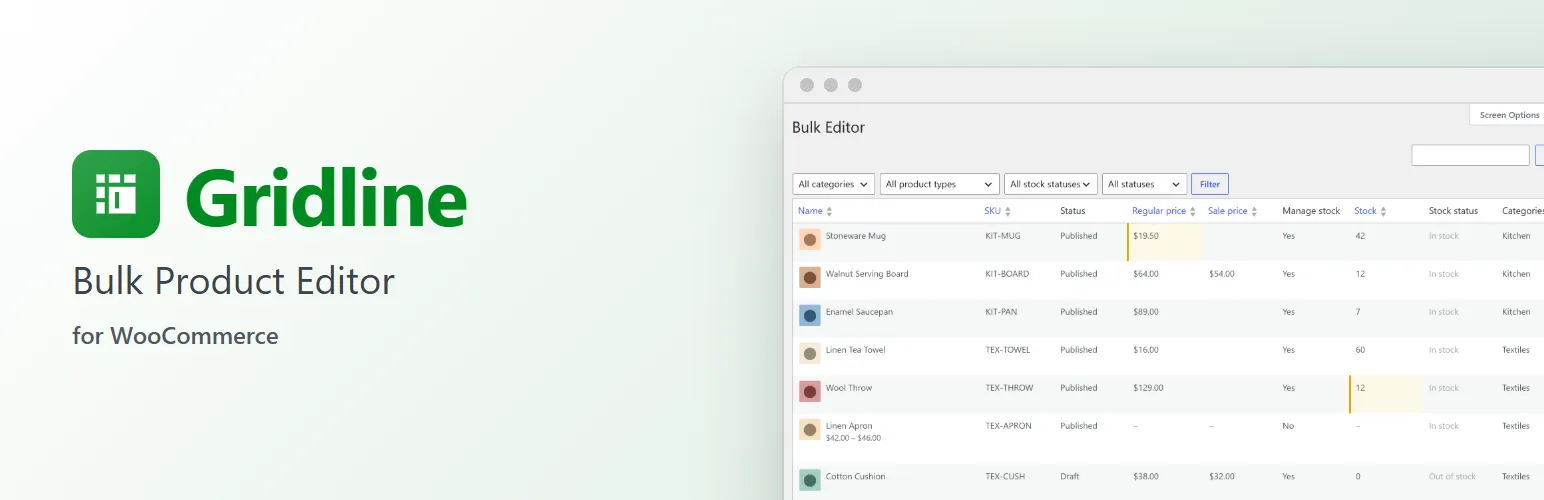
Stop opening products one by one to change a price. Gridline puts your catalogue in one grid under Products → Bulk Editor: click a cell, type, press Tab to the next one, and save everything together.
Edit like a spreadsheet
- Click a cell to edit it, or move to it and press Enter. Tab and Shift+Tab move along the row, Enter moves down the column, Esc cancels.
- Changed cells stay highlighted until you save them together, or discard them. Leaving the page warns you if anything isn't saved.
- A change that can't be saved (a sale price above the regular price, a SKU already in use, a price that isn't a number) stays on its cell with the reason. The rest of your changes are saved.
The fields you change most
- Name, SKU and status (published, draft, pending review, private).
- Regular price and sale price.
- Manage stock, stock quantity and stock status.
- Categories and tags, picked from a list.
Fields that don't apply to a product are greyed out: a variable product has no price of its own, and the stock status follows the quantity when stock is managed.
Find what you need
- Search names, descriptions and SKUs (a variation's SKU finds its product).
- Filter by category, product type, stock status and status.
- Sort by name, SKU, regular or sale price, or stock.
- Choose the columns you need and how many products per page in Screen Options, as on WordPress's own lists.
- A Bulk Editor button sits next to "Add new product" on the Products screen.
Works the WooCommerce way
- Products are saved through WooCommerce itself, as on the product screen, so prices, stock status, variable product price ranges and lookups stay right, and other plugins' hooks run.
- Built from WordPress's list table and WooCommerce's own admin styles, so it looks like the rest of your admin.
- For people who can edit products (shop managers and administrators). Nothing is saved for a product they aren't allowed to edit.
For developers
gridline_columnsadds columns: a label, a type (text, long text, price, number, date, select, yes/no, terms, image or images) and how to read and write the value. Extendiment's other plugins add theirs this way: Stockline Pro's per-product stock messages, Stockpool's shared stock pools, Preorderline's pre-order settings and Supplyline's suppliers and reorder points.gridline_check,gridline_product_rows,gridline_list_argsandgridline_save_resulthook into checking, listing and saving, and the grid's JavaScript has a small API (window.gridlineandwp.hooksfilters) for toolbar buttons and more.gridline_loadedfires once Gridline has loaded, for add-ons.
Gridline Pro
The separate Gridline Pro add-on adds bulk changes to a selection (raise prices by 10%, sale price as "regular less 15%", round to .99, add a category) with a preview before saving, undo for the last 500 saves, variation rows under their products, CSV export, adding and duplicating products in the grid, and columns for descriptions, images and gallery, attributes, sale dates, tax class, backorders, weight, shipping class, featured and catalog visibility. Everything described above works without it. See extendiment.com/plugins/gridline.